Less office work after each visit
Capture forms, notes, photographs and signatures once on site. The office reviews the same record instead of retyping the visit.
Field service software for cleaning, fire and water
Quote for new work. Plan jobs and capture evidence on site about work done and of assets. Send clear client reports. Keep quotes, forms and asset records together from the first visit through to final invoice.
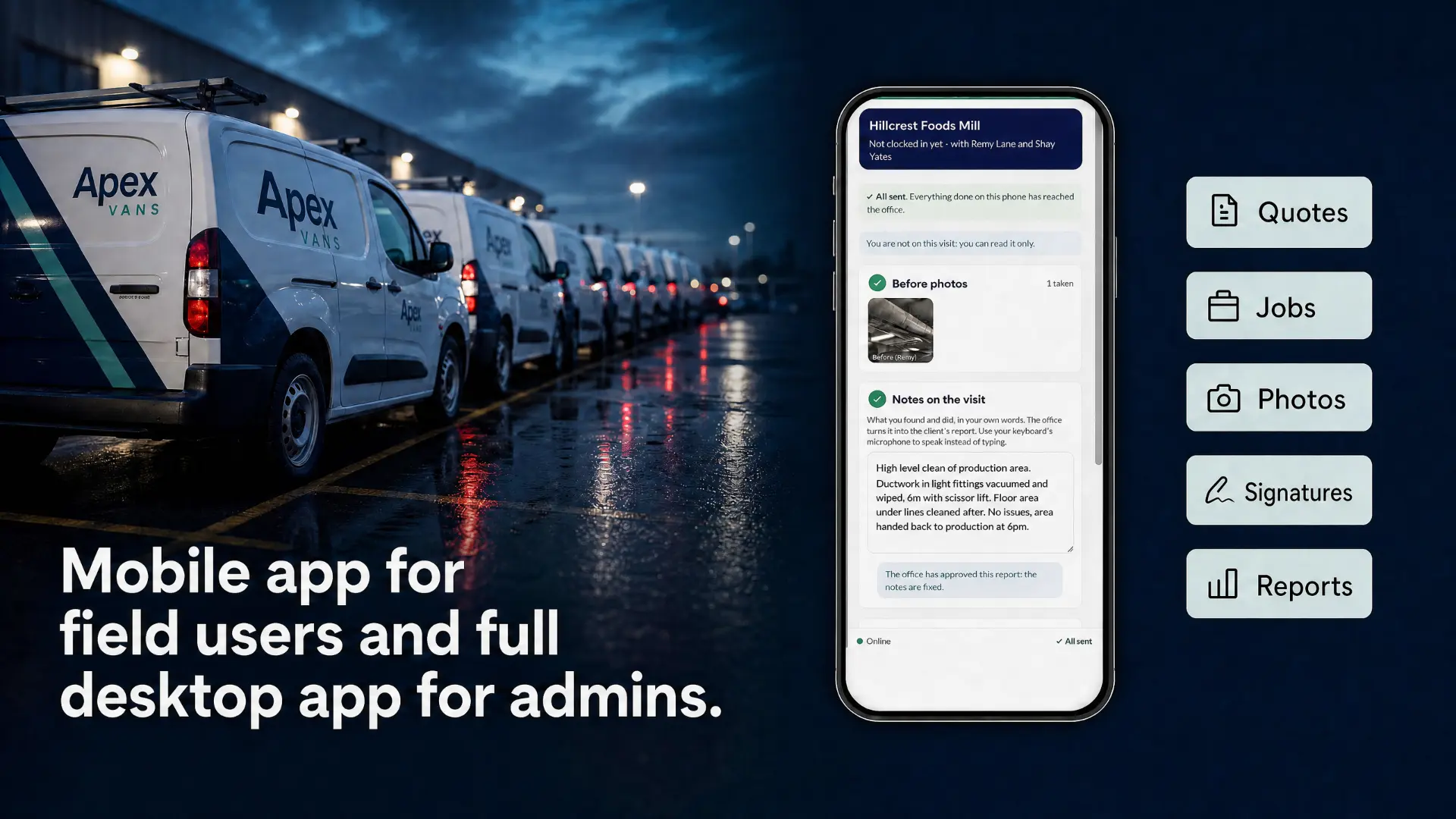
For teams of around 10 to 200 staff managing repeat visits, one-off jobs and remedial work.
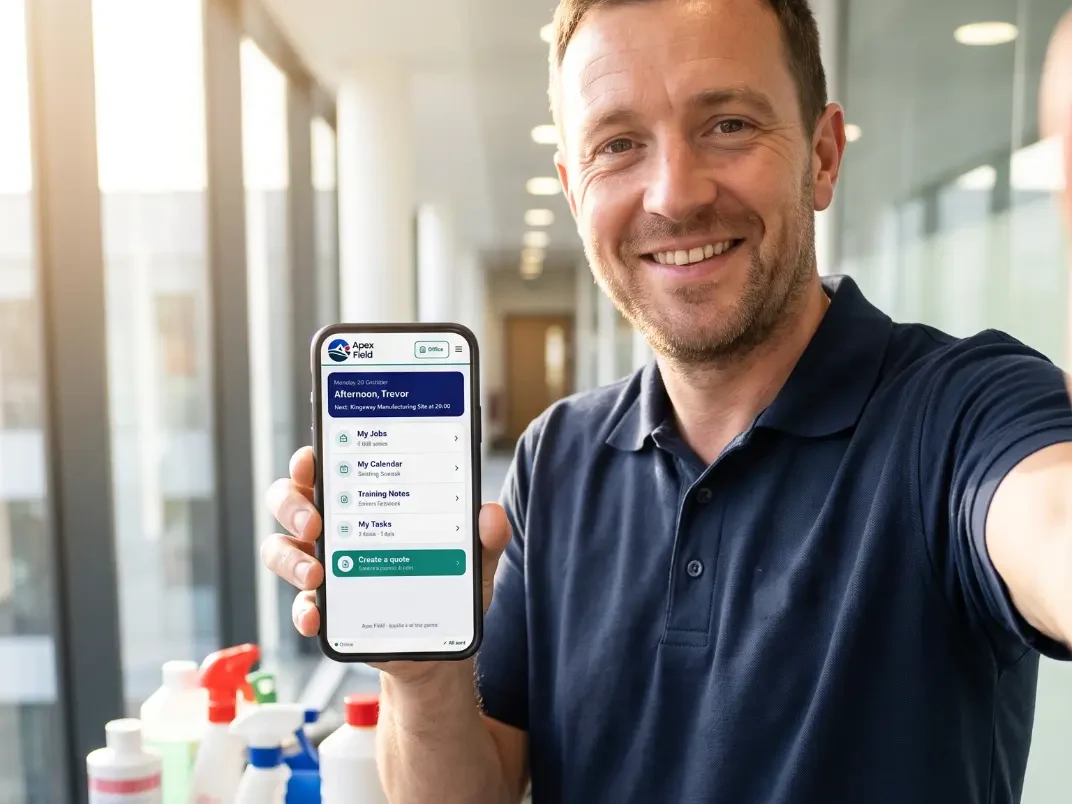
Manage visits, staff, plant, vans and completed work, with a full record ready to send to customers when requested.
Learn more
Connect inspections, defects and remedial work to each asset. Manage quotes and work done from on-site and in the office.
Learn more
Record readings at the point of work and keep a history by site and asset, from quotation through to invoice in one platform.
Learn more
Plan crews and site work for building, demolition and refit projects. Capture progress, photos and sign-off from quote to invoice.
Learn moreBiomedical engineering: Dinsdale Apex One also supports specialist equipment testing, calibration and traceable service records.
Explore BMETSend a tailored PDF quote clients can accept online.
Assign staff and share site details before the visit.
Record forms, readings and photos on site.
Share the results and arrange any follow-up work.
Deployed with you
We work with your team to understand the jobs, forms, approvals and reports you use now. We then prepare Dinsdale Apex One around that process, import the agreed data, connect the information it needs and help make it ready for day-to-day use.
Follow how work moves from enquiry and planning through to completion and reporting.
Bring across the agreed customers, sites, assets and working data your teams need.
Configure the records, forms and handovers around the process you want to improve.
Test it with the people doing the work and support the move into daily use.
Dinmore Software and Oakfield Software are sister companies, owned and run by the same team. Dinmore draws on Oakfield’s established client base and experience delivering operational and planning software for specialist businesses and large organisations.
Real Dinsdale Apex One and Apex Field screens, presented clearly so you can see the product before you book a demonstration.
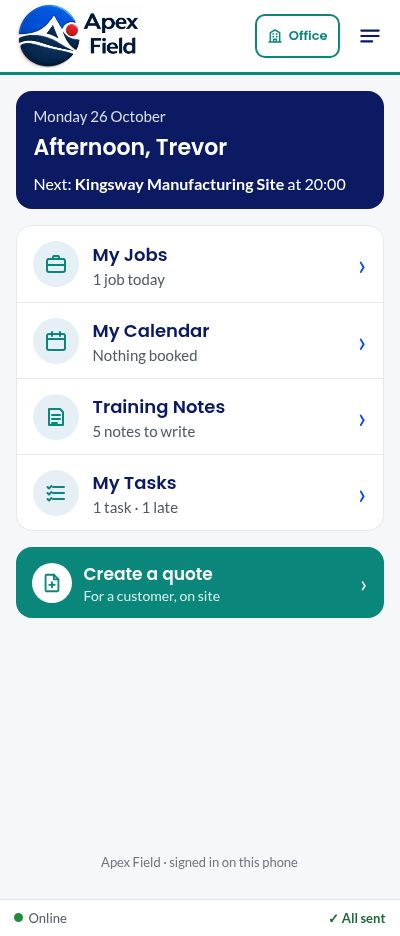
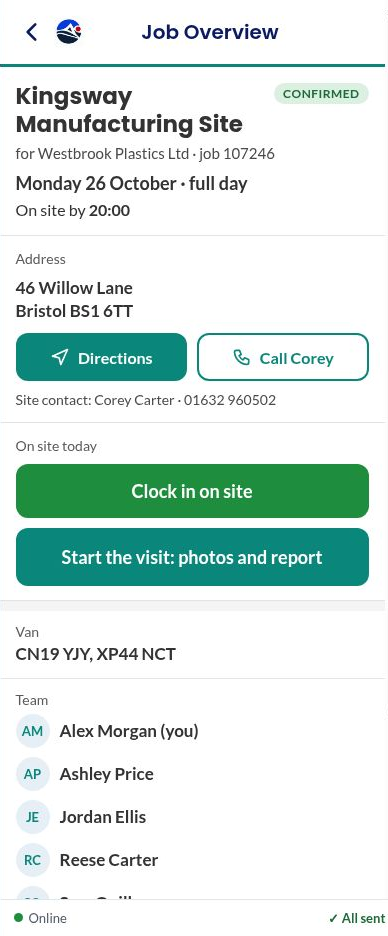
Capture forms, notes, photographs and signatures once on site. The office reviews the same record instead of retyping the visit.
Give field teams the site, contact, timing and job information they need before the visit, all in the same working record.
Build the scope and price from information already collected, send it for online acceptance and keep the approval with the job.
Use the notes and photographs already captured on site to prepare, review and send a clear account of the completed work.
Keep visits, readings, photographs and completed work together against the asset, giving teams a dependable record to return to.
Build clear reports from the information captured during the job, reducing duplicate entry and helping customers receive results sooner.
Retain dated forms, photographs, signatures and actions in one place so the supporting evidence is easier to find and review.
Give office teams a clear view of assigned, completed and outstanding work without piecing together spreadsheets and messages.
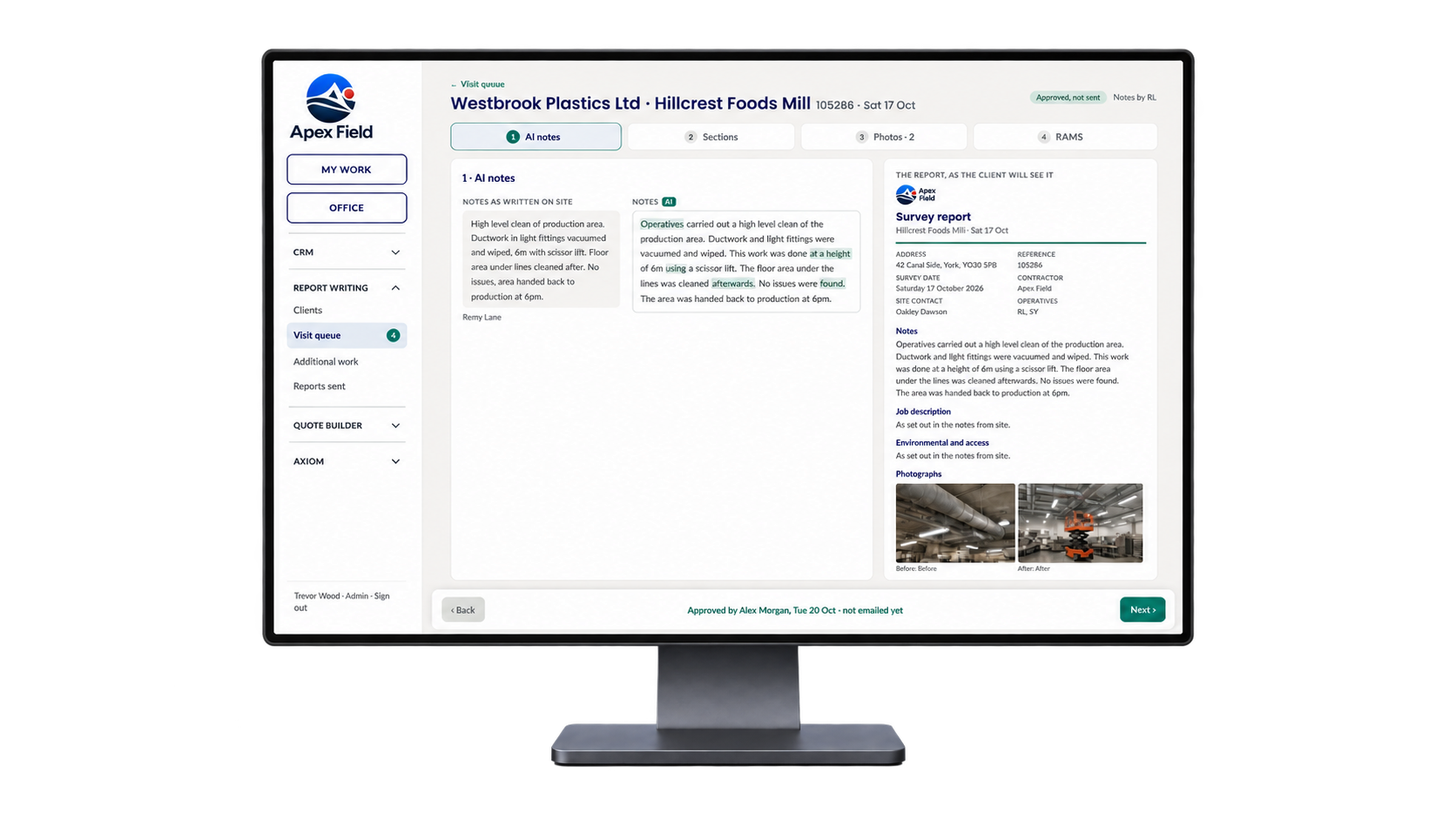
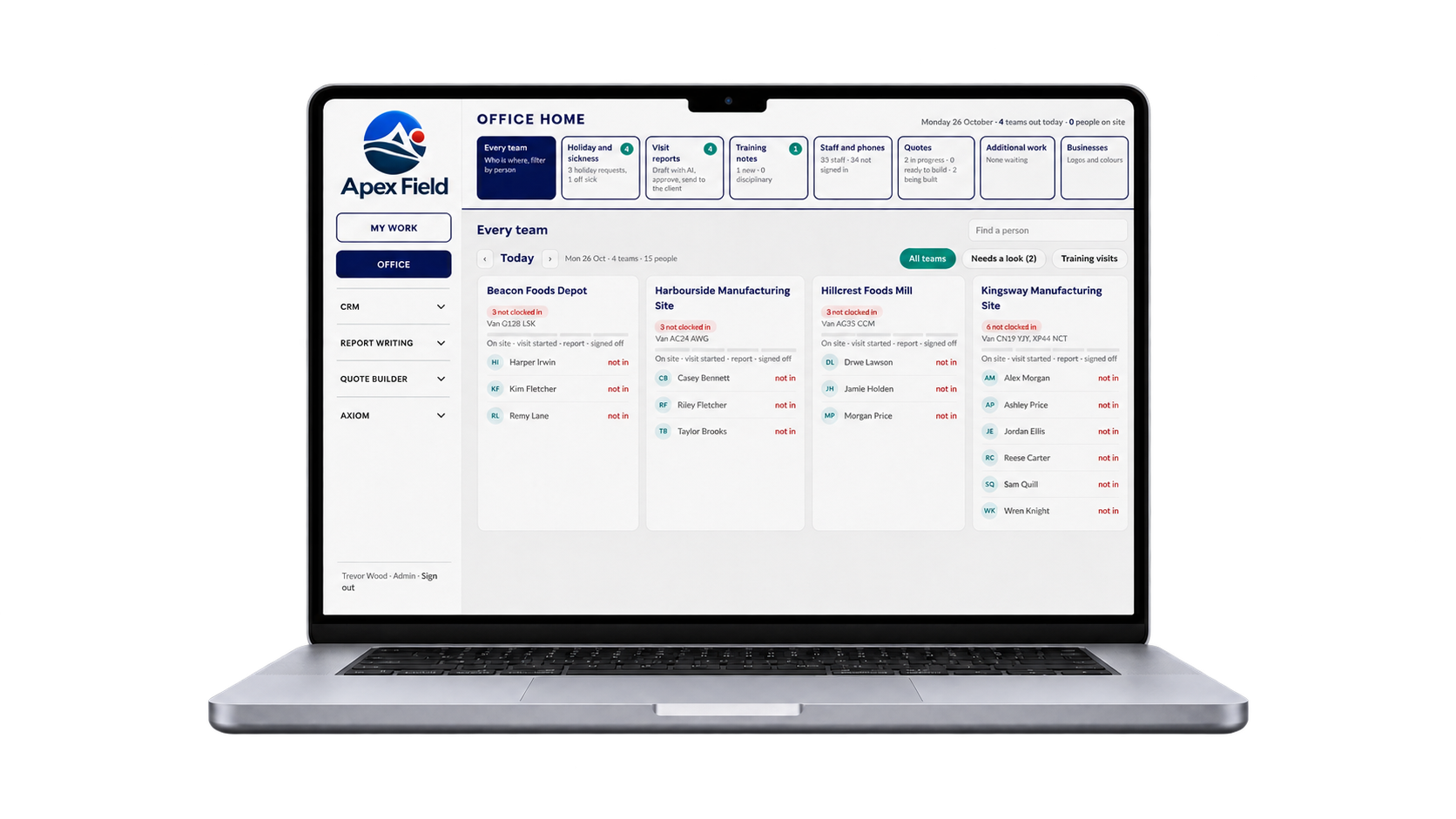
See previous attendance, findings and follow-up activity together, helping teams recognise patterns and plan the next visit with context.
Keep actions visible after the visit so remedial work can be assigned, monitored and carried through instead of disappearing into messages.
Dinsdale Apex One connects jobs, quotes, forms, assets and reporting across the office and the Apex Field mobile experience.
Axiom works with Visual Planning to schedule complex work across multiple people and teams.
Select connects Visual Planning and Dinmore tools with the systems your team already uses.
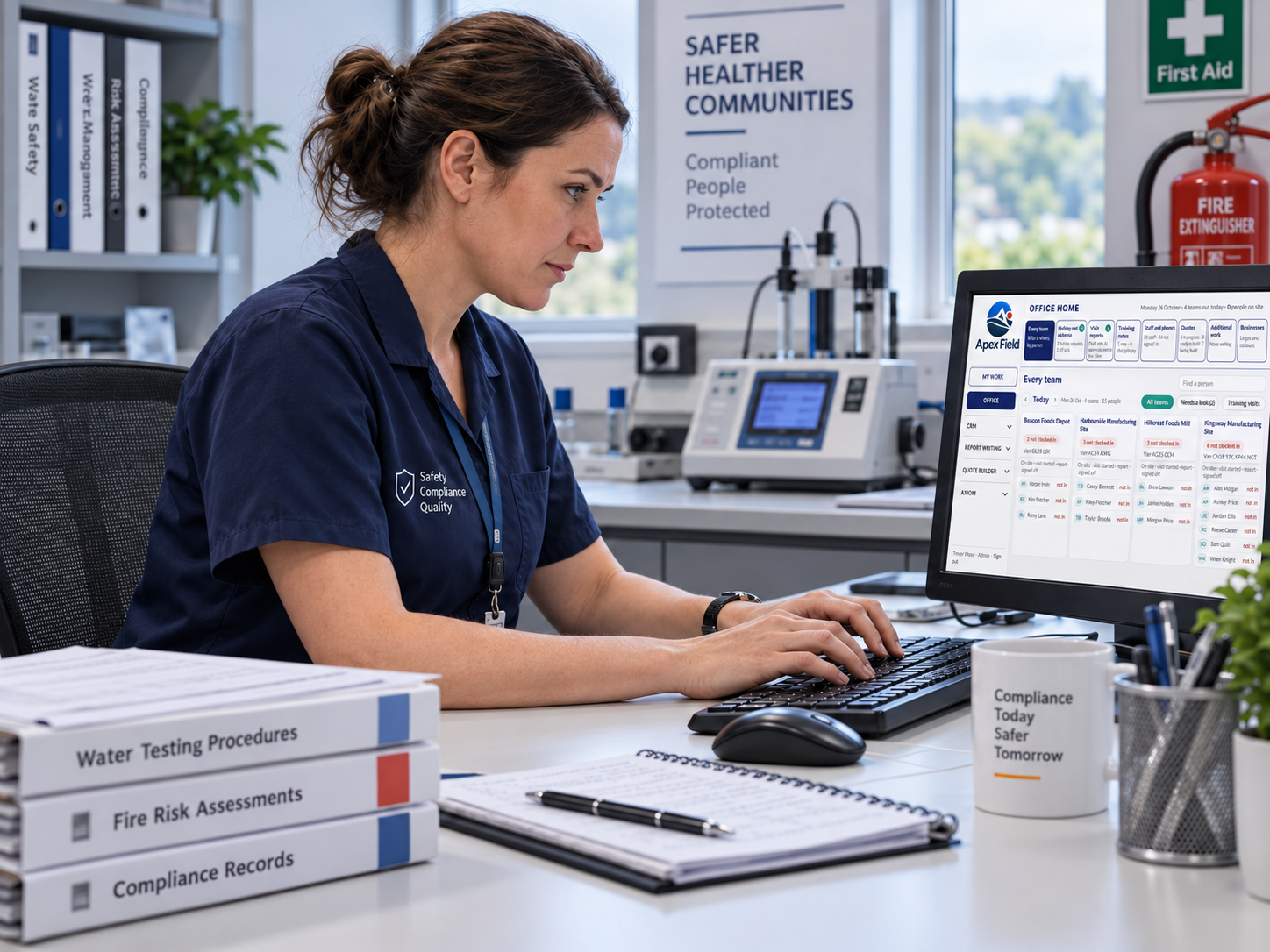
Your route to go-live
This is not software handed over with a login and a manual. We work through the process with your people, prepare the information it needs and stay involved after launch.
We learn how your work happens now, where it slows down and what your teams need. Then we shape Dinsdale Apex One around the process you want to improve.
We prepare and import the agreed customers, sites, people, assets and working information, then connect the systems involved where required.
We work with the people who will use the system, using their real responsibilities and day-to-day tasks rather than generic training examples.
We test the complete working process with you, confirm the key information is ready and support your teams as the system moves into everyday use.
We stay involved after launch, helping you answer questions, refine the process and make sensible changes as your operation develops.
Book a complete demonstration around the jobs, records and reports that matter to your business. We’ll show you the product and answer your practical questions.