FIRE SAFETY. COMPLIANCE. ASSET RECORDS.
Give every fire safety inspection a clear follow-up
Keep inspection forms, asset histories and remedial work together so clients can see what was checked and which findings still need action. Send visit reports quickly and retain immutable records.

Designed to work how you want it to work
- 01
Prepare the visit
Assign technicians and give them site details, inspection forms and the history of doors, equipment or systems on the job.
- 02
Check every asset and record findings
Capture condition, test results and photos against the specific asset, with a record of what needs attention. Check for errors while performing inspections.
- 03
Don't lose additional or remedial work
Turn findings into a scoped quote, capture approval and link follow-up evidence to the original asset.
What this looks like on a job
An inspector records a door defect and attaches a photo to the door record. The office quotes the repair. After the follow-up visit, the client has a record of both the original finding and the completed work.
Explore field service management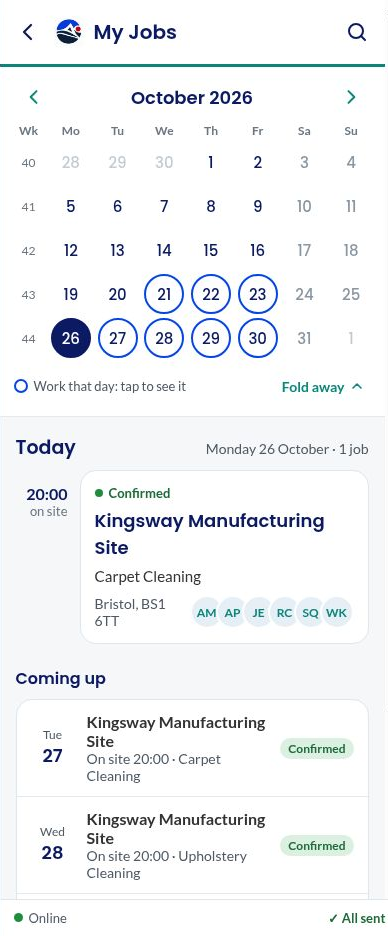
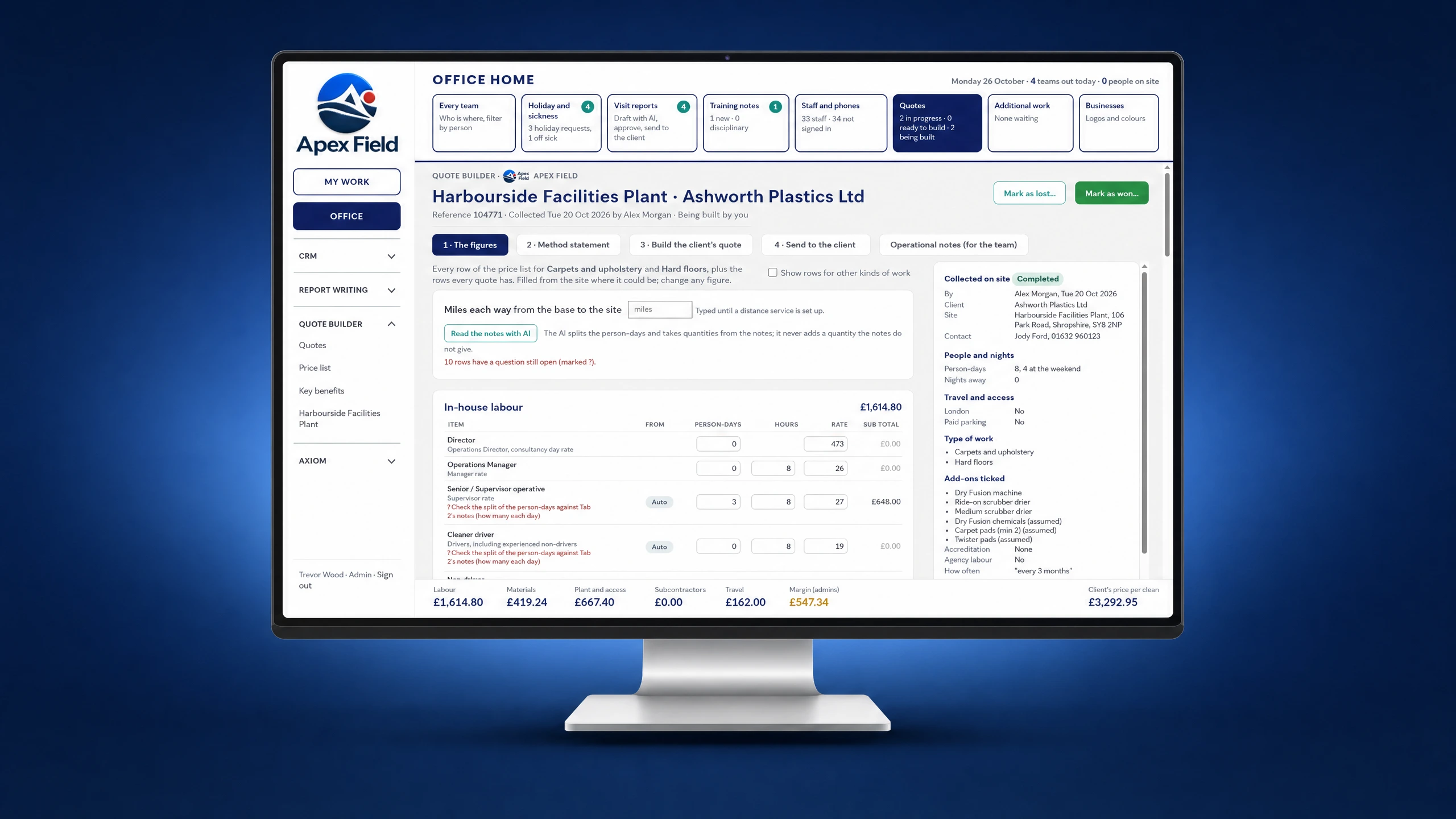
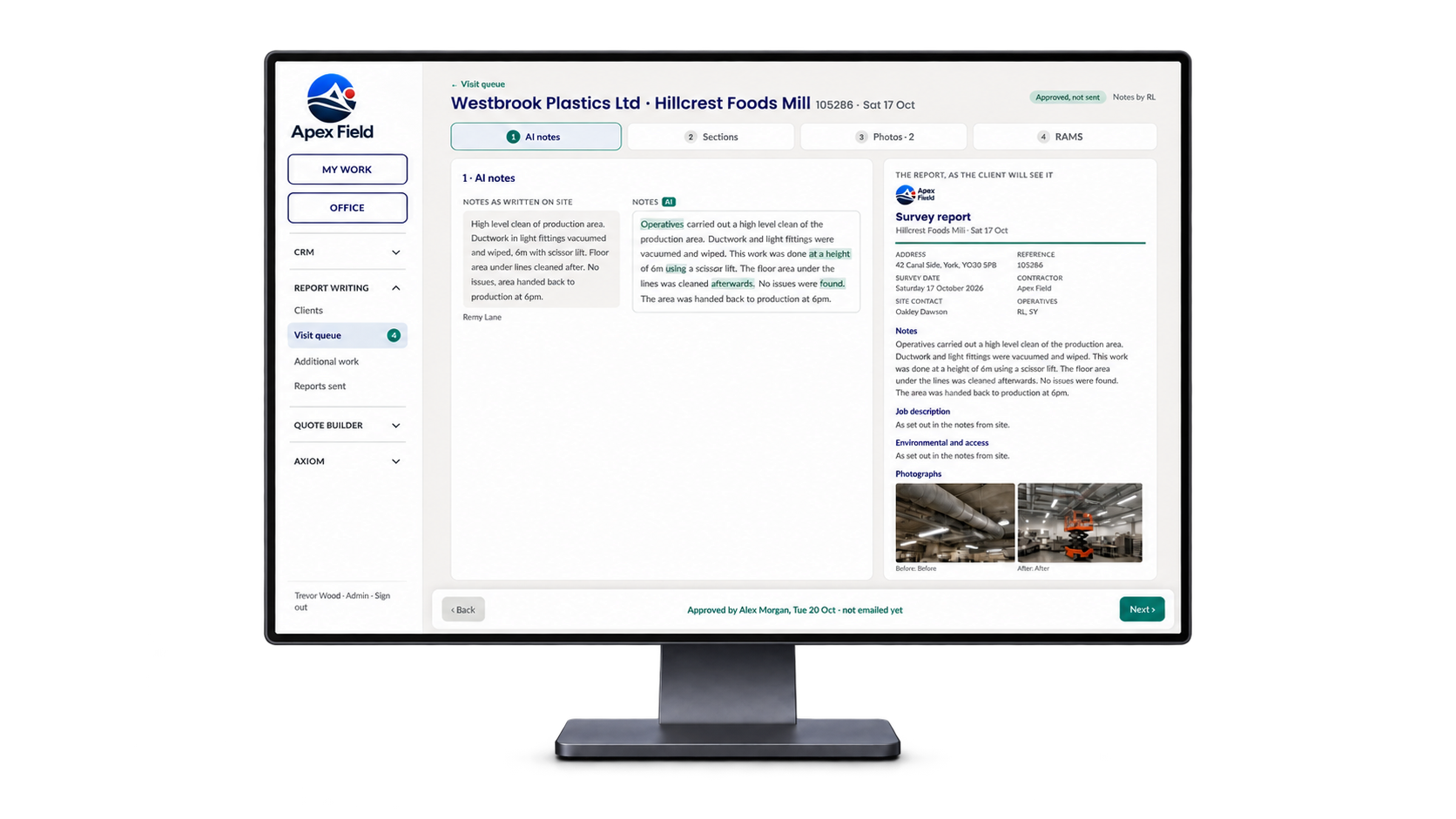
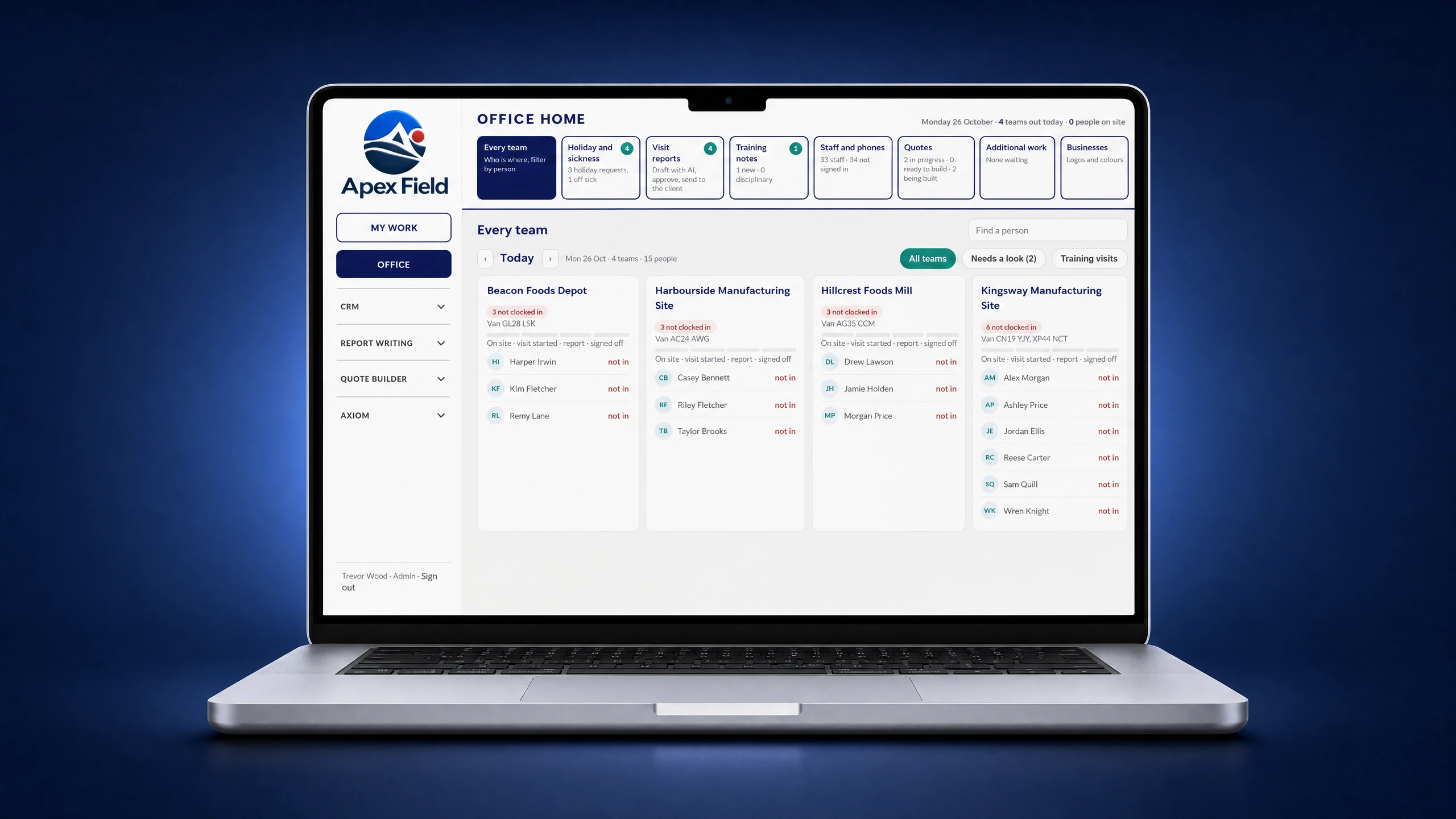 Screen 1 of 4: The office view of every team
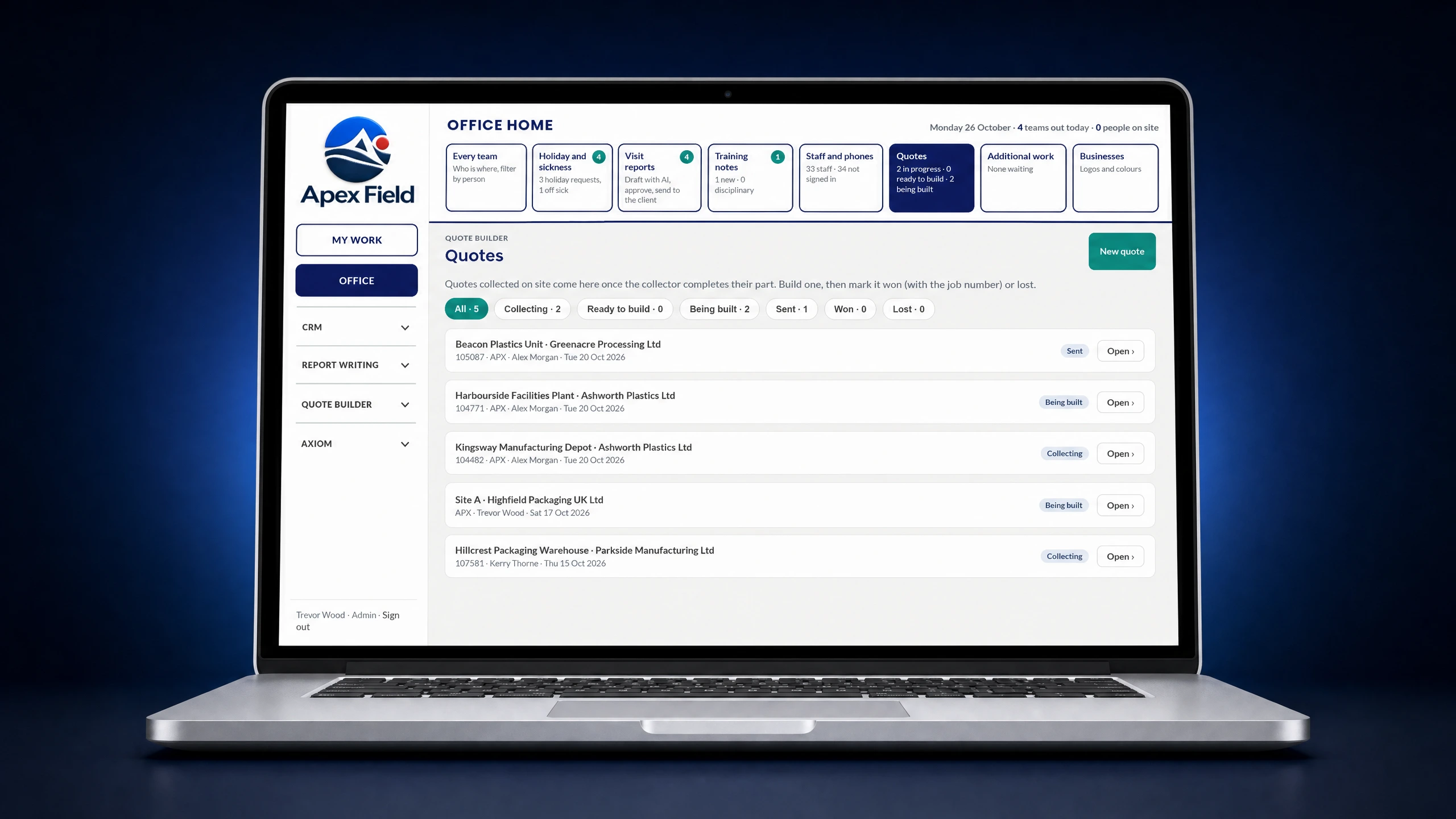
What this looks like for admin
Office staff can see the work coming back from every team, finish quotes and prepare customer reports from the forms, notes, photos and signatures captured on site. The information stays with the job, so there is no need to rebuild the visit from separate paperwork.
Explore field service management
Your route to go-live
We deploy Dinsdale Apex One with you.
This is not software handed over with a login and a manual. We work through the process with your people, prepare the information it needs and stay involved after launch.
- 01
Understand and customise
We learn how your work happens now, where it slows down and what your teams need. Then we shape Dinsdale Apex One around the process you want to improve.
- 02
Connect your data
We prepare and import the agreed customers, sites, people, assets and working information, then connect the systems involved where required.
- 03
Train you and your teams
We work with the people who will use the system, using their real responsibilities and day-to-day tasks rather than generic training examples.
- 04
Go live
We test the complete working process with you, confirm the key information is ready and support your teams as the system moves into everyday use.
- 05
Ongoing support
We stay involved after launch, helping you answer questions, refine the process and make sensible changes as your operation develops.
See how Dinsdale Apex One could work for your team
Book a complete demonstration focused on the inspections, remedial work and evidence that matter to your fire safety teams.