
Systems integration · Select
Keep your systems. Connect the work between them.
Select connects Visual Planning with Dinsdale Apex One and Axiom through Dinmore's MCP and agreed interfaces. Plan resources and schedules in Visual Planning, present Dinsdale Apex One and Axiom within the connected workflow, and pass agreed information to the business systems you already use.
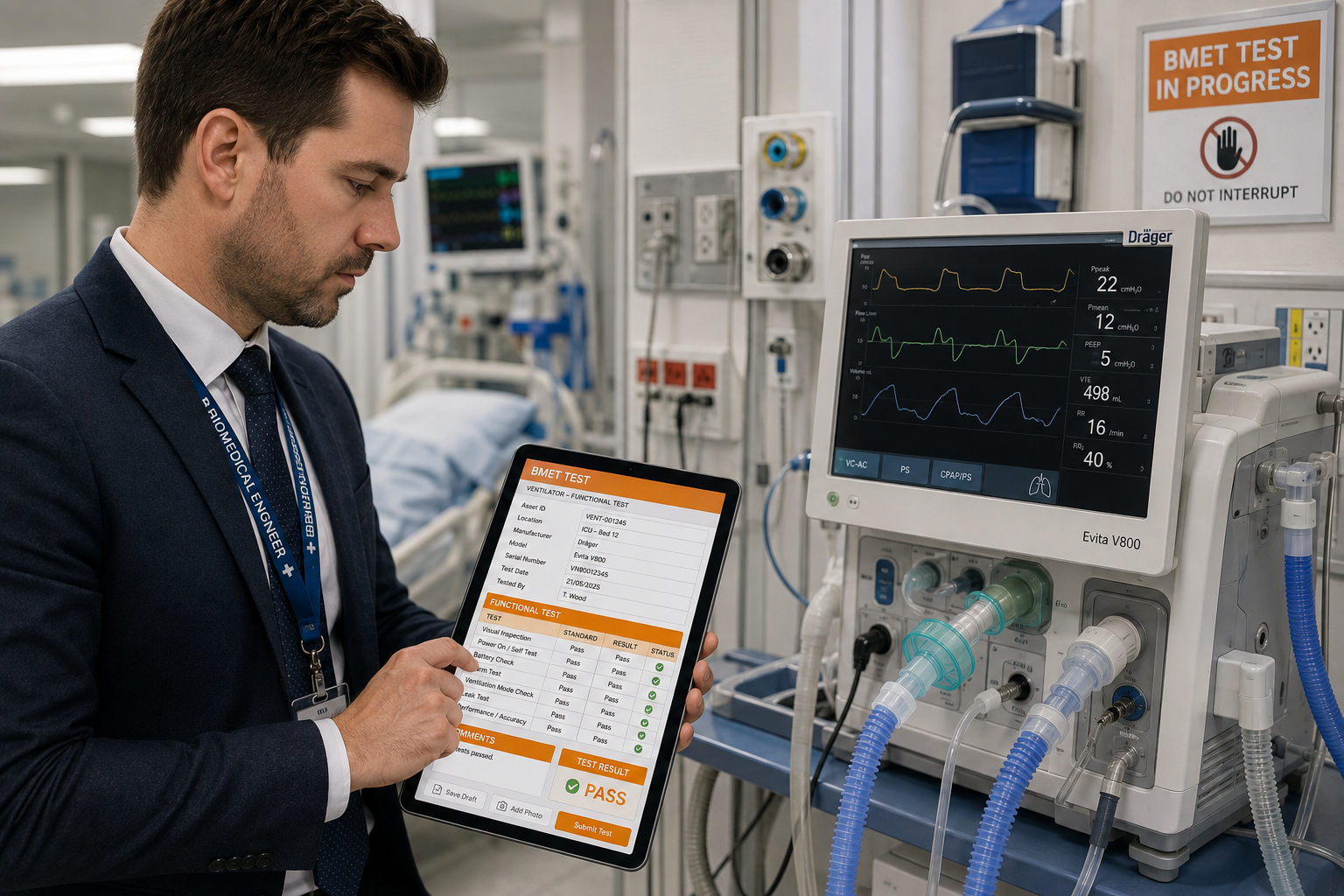
What Select does
Select manages permissions, access rights and licences, stores secret data, and acts as the conduit between your Dinmore applications, Visual Planning and other platforms. Here are some key points…
Visual Planning and MCP
Dinmore's MCP connects with Visual Planning through Select. It also supports agreed endpoints for CAFM, CMMS, ERP, HR, learning and document systems.
LMS & SCORM
Course completions, assessment scores and SCORM results can be sent to or from other platforms, leaving the LMS as the source of truth.
Identity & people sync
One source of truth for staff, roles and leavers, so an authorisation disappears from the field app when it should.
Asset & location masters
Keep the asset register aligned in both directions, including tag changes, transfers and decommissioning.
Work order exchange
Plan and manage work in your planning software, then pass the jobs to Dinsdale Apex One for delivery.
Field mapping
Mappings are configuration, not code: readable, testable and versioned, so you can see exactly what moves where.
Transfer log
Every message in and out is logged with payload, outcome and retry history. When someone asks what happened, there's an answer.
Planning and resources
Use Visual Planning to manage resources, schedules and events, with Dinsdale Apex One and Axiom views and actions presented within the connected working context.
Your Existing Apps
The main function of Select is to allow you to connect to any of your existing apps, platforms, tools. We look after the connection and transfer of data between apps
Three directions of travel, for CRM, ERP, MRP, LMS (and other apps)
Into the platform
People and roles, assets and locations, planned work, learning completions, document masters.
Between products
Competency status from your LMS surfaced on a Dinsdale Apex One record; equipment status from Dinsdale Apex One surfaced against an Axiom process.
Out of the platform
Completed records, certificates, exceptions, remedial actions and compliance metrics into reporting, CAFM and client portals.
  Visual Planning ─┐
  CRM              │
  LMS / SCORM      |
  HR / identity    ┼─▶  Select  ─▶  Axiom   (task specific applications, competency, planning)
  CAFM / CMMS      │
  ERP / assets     |
  MRP             ─┘       └─▶  Dinsdale Apex One  (inspection, calibration, admin)
                            │
      reporting ◀── Select ◀┘  certificates, exceptions, metrics
Middleware, deliberately
The one source of truth. It is only five words, but it can be quite hard to define when there are multiple apps all competing to be 'it'. We let you determine the one source of truth and help you to pass data between key apps to achieve this. This means you don't need to sell or swap out a platform, be it a finance system, an HR system or a learning platform.
Select lets you decide and simply allows you to pass data freely between existing systems, with you choosing the source of truth. Select keeps the compliance picture consistent across them, with a log of every exchange.
The practical benefit shows up on audit day. When the training record, the asset record and the completed inspection agree with each other, nobody spends a week explaining why three systems disagree.
What IT will want to know
- Authenticated, encrypted transport with credentials held in a managed secret store
- Least-privilege connections scoped to the specific objects in play
- Full transfer log with payload, outcome, retry history and retention controls
- Configuration-based mappings that are versioned and reversible
- No lock-in: open export formats, and your data remains yours
Common questions
- Do we need Select?
- Select is included where the solution needs people, assets or work kept in step with another system. How much of it you use depends on the systems and process involved.
- Will it work with our current software?
- Select is built to integrate with many platforms, including CRM, ERP, MRP and LMS platforms. It consumes standard learning outputs, including SCORM results, as well as vendor APIs and scheduled file exports where that's what a platform offers.
- Who maintains the mappings?
- We configure them with you during implementation, and they remain visible and editable afterwards. Mappings are versioned, so a change can be reviewed and rolled back.
- What if a target system is offline?
- Messages queue and retry with backoff, and persistent failures escalate to a named owner. The transfer log shows what was pending and when it cleared.
- How does Select connect to Visual Planning?
- Select is the connection layer for Dinmore's MCP and agreed Visual Planning interfaces. It keeps planning, resource and operational data moving between Visual Planning, Dinsdale Apex One and Axiom.
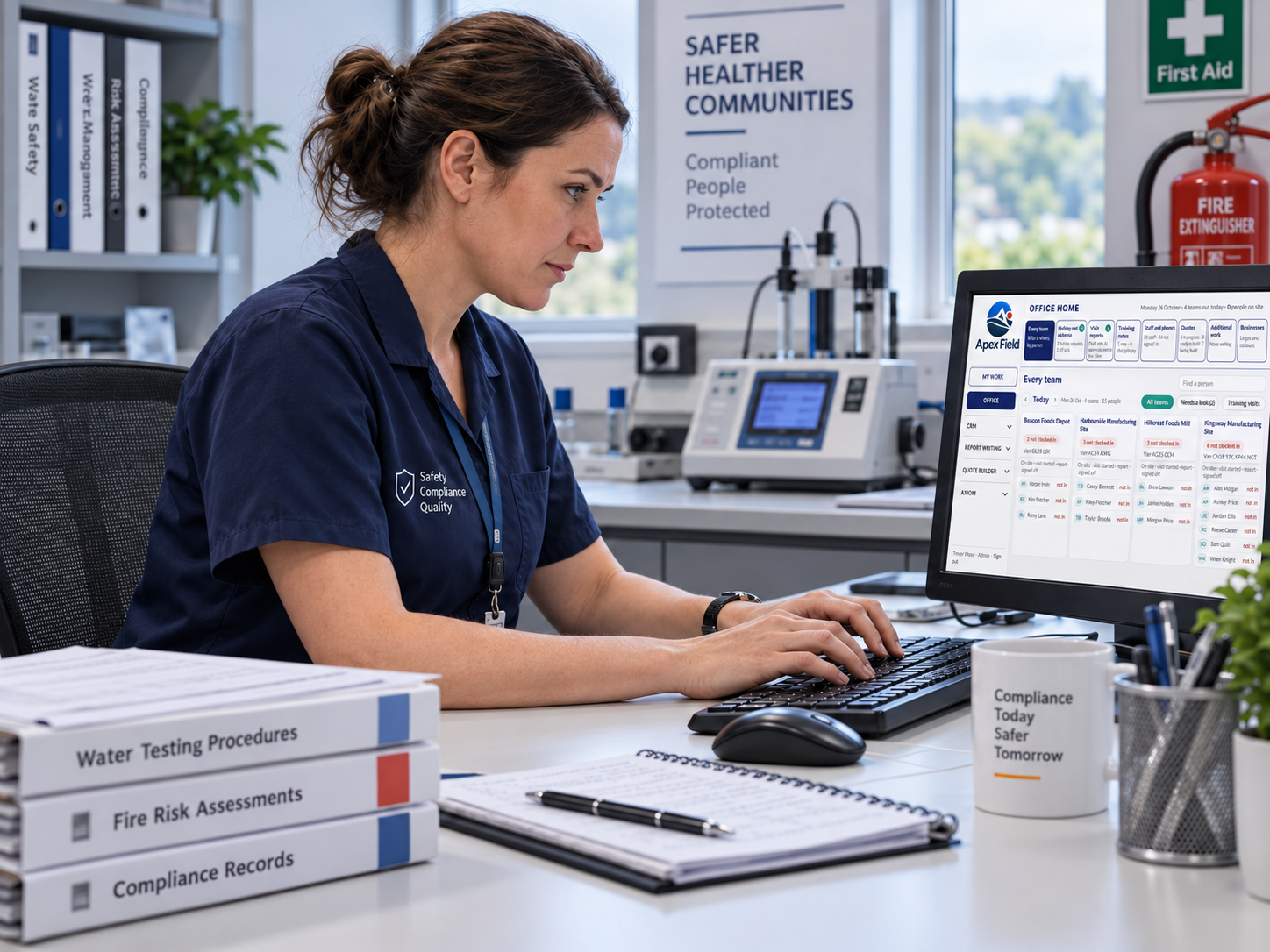
Your route to go-live
We deploy Dinsdale Apex One with you.
This is not software handed over with a login and a manual. We work through the process with your people, prepare the information it needs and stay involved after launch.
- 01
Understand and customise
We learn how your work happens now, where it slows down and what your teams need. Then we shape Dinsdale Apex One around the process you want to improve.
- 02
Connect your data
We prepare and import the agreed customers, sites, people, assets and working information, then connect the systems involved where required.
- 03
Train you and your teams
We work with the people who will use the system, using their real responsibilities and day-to-day tasks rather than generic training examples.
- 04
Go live
We test the complete working process with you, confirm the key information is ready and support your teams as the system moves into everyday use.
- 05
Ongoing support
We stay involved after launch, helping you answer questions, refine the process and make sensible changes as your operation develops.
See how Select connects the work
Book a demonstration and tell us which systems are involved. We’ll show how Select manages the agreed flows between them.