
Complex scheduling · Axiom
Find room for complex work in your schedule
Use Axiom with Visual Planning to automatically schedule work that needs multiple staff, teams or visits. Give planners a way to see where new jobs fit and coordinate work that spans several days.
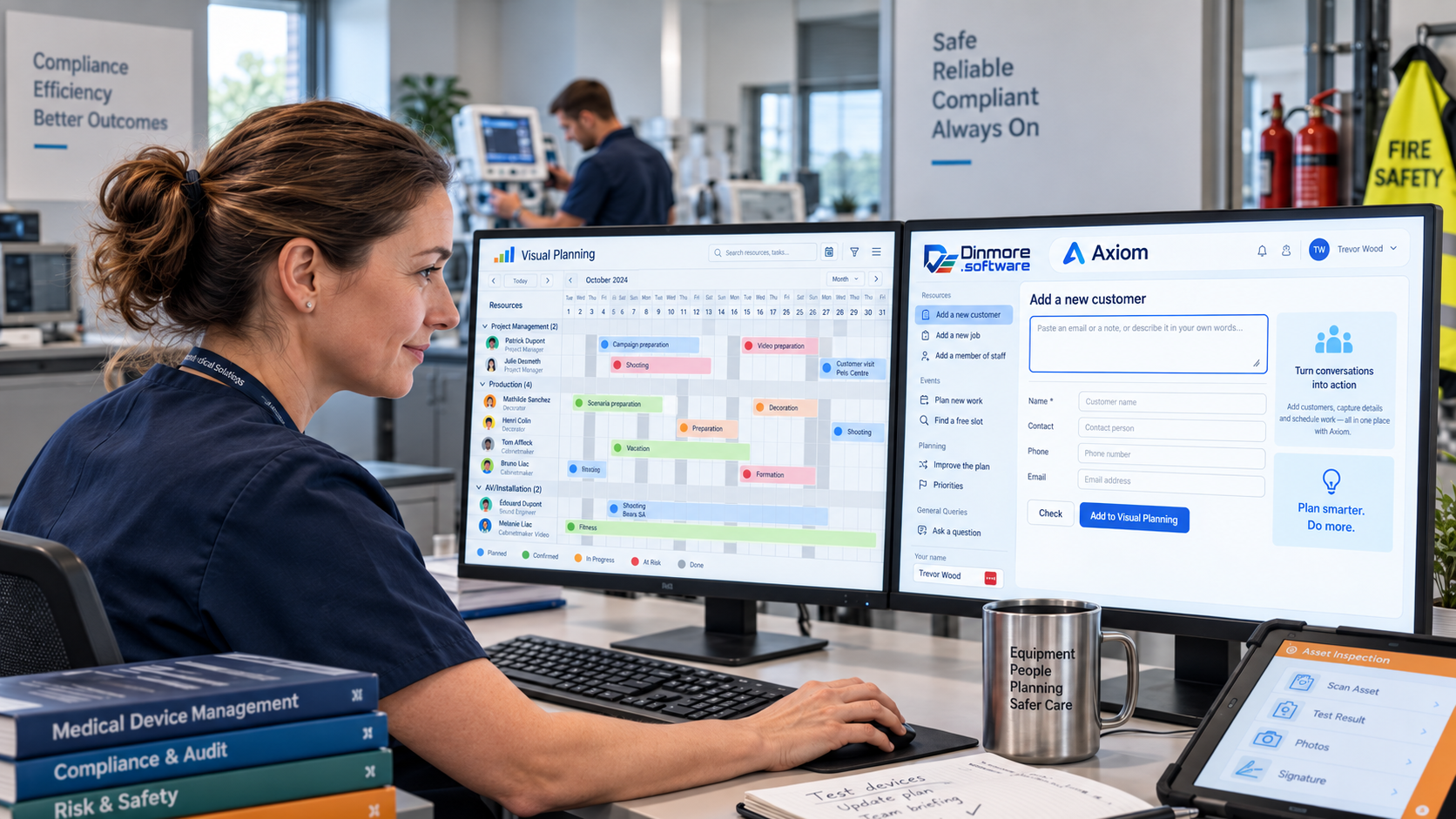
What Axiom does
The Axiom browser interface provides direct access to major daily tasks, from adding customers and orders to finding space for new work. Visual Planning provides the planning, scheduling and resource-management layer, while Select connects the two. Text, natural-language queries and voice commands are available in the browser-based Axiom interface; voice commands are not available from within Visual Planning itself.
Adding new records
In the browser-based Axiom interface, paste an email into a window or use a voice command, then review and submit the new record.
Adding new events
Create, edit, delete or move events together with their associated records.
Adding complex projects
Add new work, jobs or projects without manually testing every possible date and resource combination.
When can work be done?
Find the next suitable slots for complex work in seconds, then review the available dates and times.
Check it before going live
Review the suggested slots before accepting them and updating the planner.
Improve the plan
Set priorities for future work, compare the results and publish the improved plan when you are ready.
Natural language queries
Don't learn how to 'prompt', just ask your question, then check your results. Axiom makes it easy to find key information.
Visual Planning integration
Use Visual Planning for planning, scheduling and resource management. Axiom connects through Select, using Dinmore's MCP and agreed interfaces.
Want something specific?
Axiom is configured around agreed tasks and rules. Tell us what is taking your time and we’ll discuss whether it is a suitable fit.
Cutting time per scheduling check from 15 mins to 3 seconds
The client wanted to add new events to an already busy schedule. They had five complex work templates, each comprising multiple events of different durations and involving one or more members of staff.
We used Axiom to build a fully tested proof of concept with direct integration to Visual Planning, allowing the client to schedule the work and see who was doing what, where and when.
They moved from it taking approximately 10–15 minutes on each call to it now taking less than 3 seconds per call to see if the treatment would fit in the planner — and that included giving them a selection of dates and times to choose from.
Repeatable process... repeatable results
We start by understanding what is taking your time, then look for practical ways to reduce delays, remove bottlenecks and improve accuracy.
- Adding in new work
- Collecting orders and client data using natural language
- Insert simple or complex work with minimal effort
- Create reports and responses using natural language
- Review and change future events quickly and clearly

Where Axiom is used
Different sectors, one underlying question: is there a faster, easier way to achieve the result while reducing repetitive work?
Planning and scheduling
Through Oakfield Software Ltd, we provide planning and scheduling solutions across the UK. Axiom can connect planning with forms and other agreed systems to reduce administration and improve visibility.
Manufacturing, training and service work
Axiom can support tasks ranging from routine data entry to replanning work across the coming days, weeks, months or years. The aim is to reduce administration, use resources more effectively and give staff a clearer plan.
Common questions
- Do we need to replace our existing software?
- No. Axiom can work with existing software, including Visual Planning where appropriate. We start with the task and the systems you already use, then identify the connections needed to make the application useful.
- Is every Axiom application the same?
- No. The application is built around agreed tasks, rules and workflows rather than asking your team to adapt to a generic process.
- What is the difference between Axiom and Select?
- Axiom performs the defined planning task. Select connects it to the other systems involved.
- Can we use voice commands inside Visual Planning?
- Voice commands are available through Axiom in a web browser. They are not available from within Visual Planning itself.
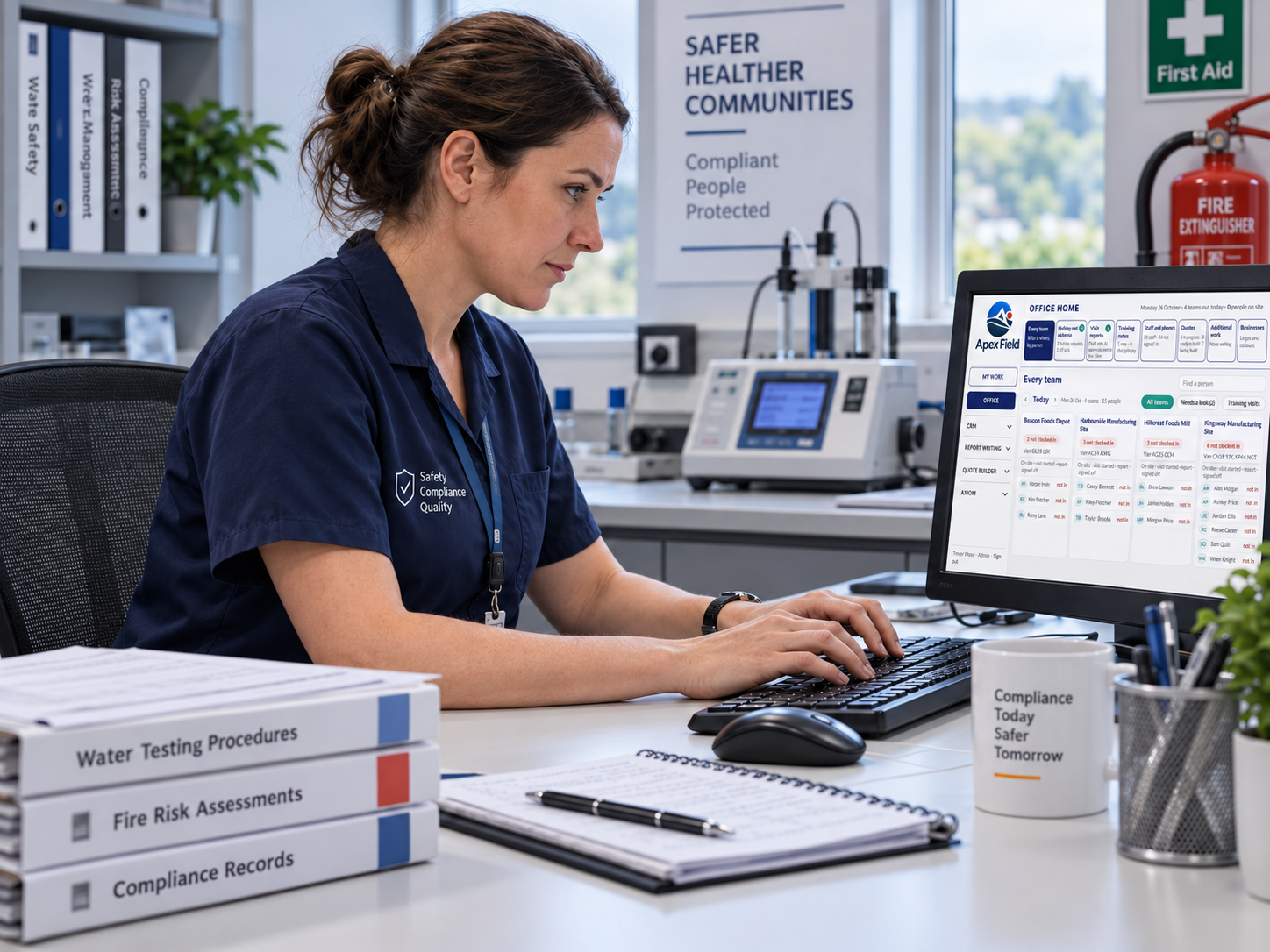
Your route to go-live
We deploy Dinsdale Apex One with you.
This is not software handed over with a login and a manual. We work through the process with your people, prepare the information it needs and stay involved after launch.
- 01
Understand and customise
We learn how your work happens now, where it slows down and what your teams need. Then we shape Dinsdale Apex One around the process you want to improve.
- 02
Connect your data
We prepare and import the agreed customers, sites, people, assets and working information, then connect the systems involved where required.
- 03
Train you and your teams
We work with the people who will use the system, using their real responsibilities and day-to-day tasks rather than generic training examples.
- 04
Go live
We test the complete working process with you, confirm the key information is ready and support your teams as the system moves into everyday use.
- 05
Ongoing support
We stay involved after launch, helping you answer questions, refine the process and make sensible changes as your operation develops.
See Axiom working with a real planning problem
Book a demonstration and tell us which planning task takes the most time. We’ll show the relevant Axiom workflow and answer your questions.